New streamers often spend on gear that does not matter and ignore the things viewers notice immediately. The order of priority is simple: audio, then stability, then video, then everything else.
Audio first
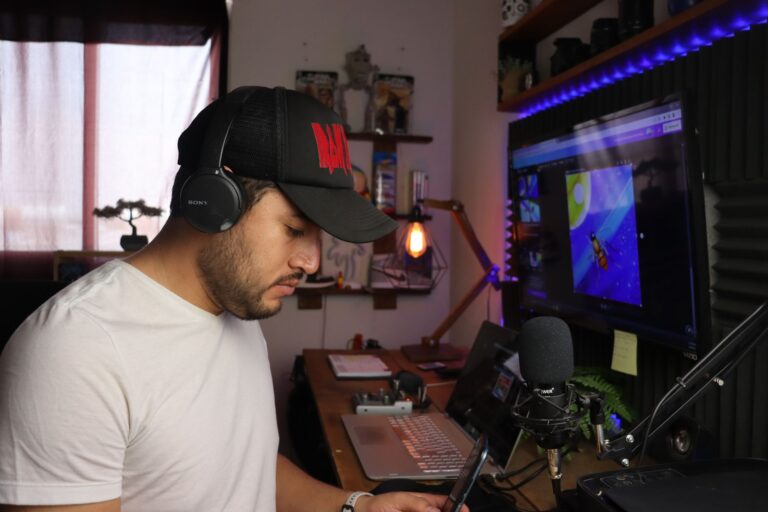
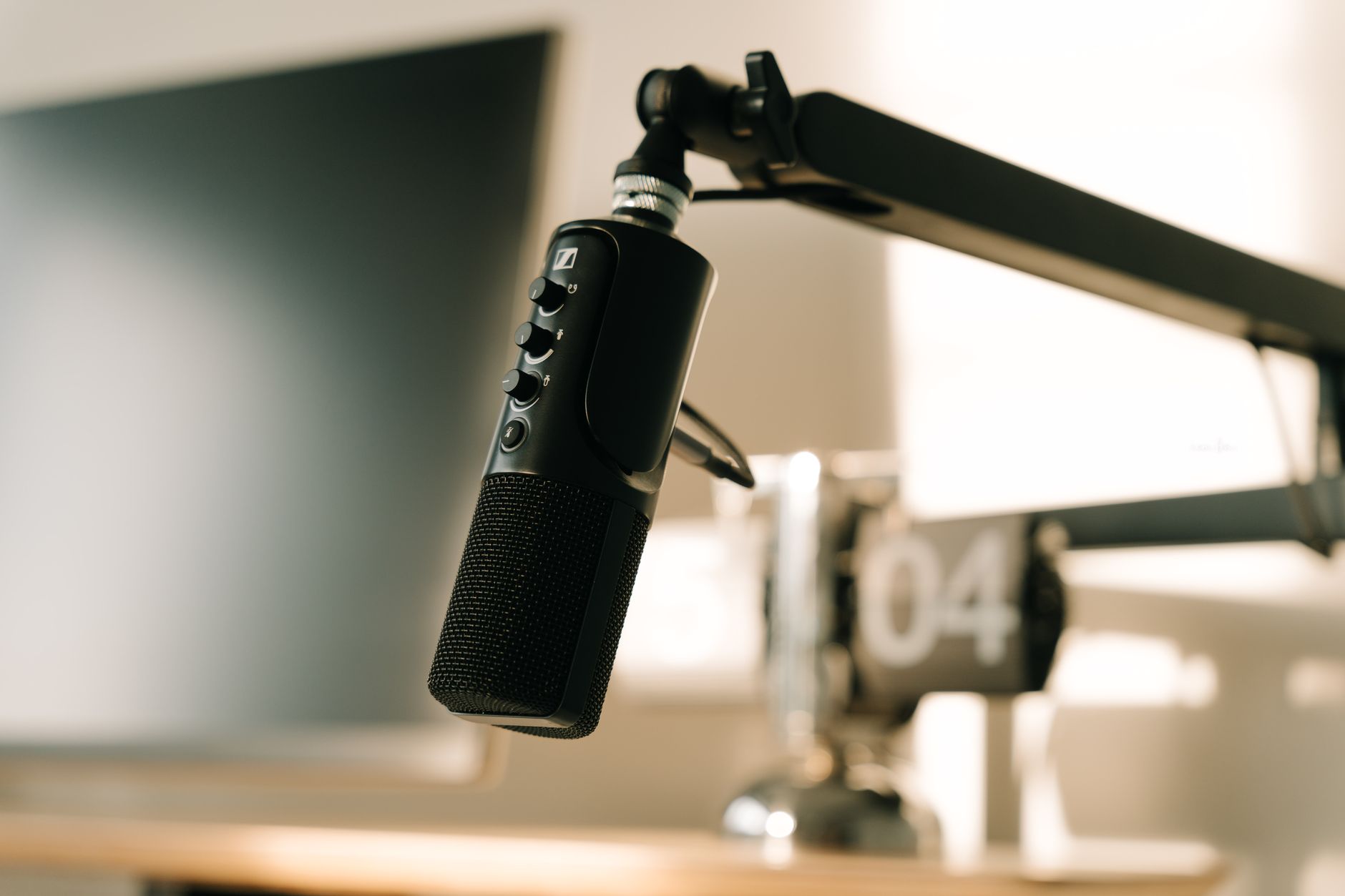
Viewers tolerate average video but leave over bad audio. A decent USB or XLR microphone placed close to your mouth beats an expensive mic placed far away. Reduce room echo with soft furnishings.
A stable connection and PC
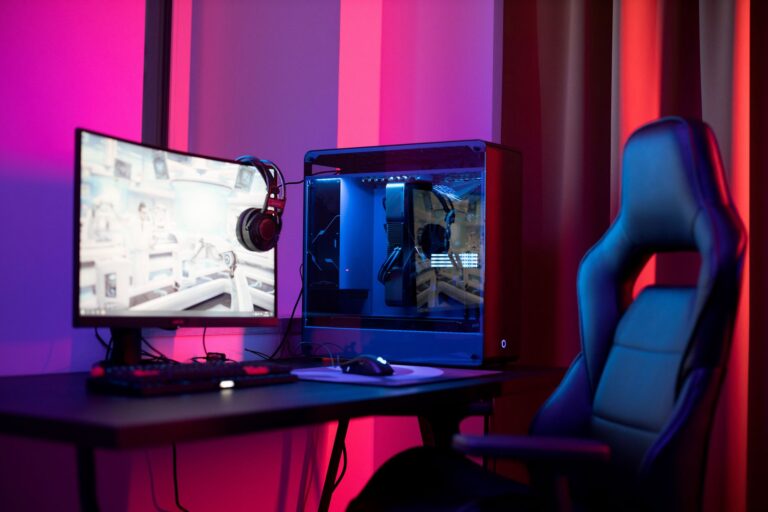
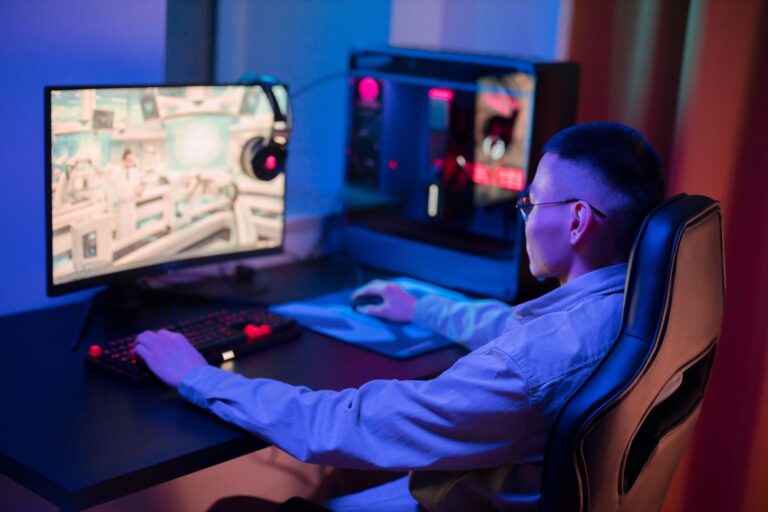
A wired connection is more reliable than Wi-Fi. Check your upload speed, and keep CPU and GPU headroom so the game and the stream both run smoothly.
Camera and lighting
A webcam with good lighting looks better than a better camera with poor lighting. Put a soft light source in front of you, slightly above eye level.
Software and scenes
OBS Studio is free and handles most needs. Keep scenes simple: game, chat, starting soon and be-right-back.
What you can skip at first
- Capture cards unless you stream from a console.
- Elaborate overlays and alerts.
- Multiple monitors beyond what you already own.
Growing the channel once the basics work
Stream on a consistent schedule, clip highlights for short-form platforms, and interact with chat early. Small improvements in audio and lighting do more for retention than any new hardware.
Budget guidance
Put money into the microphone first, then lighting, then a better camera. A mid-range microphone, a basic key light and a free software stack will outperform an expensive webcam in a poor room.
Ready to talk it through? Get a free quote, use the contact page, or call Sinfull Studios at 306-807-9848 (907 Queen Street, Regina, by appointment).
Related reading from Sinfull Studios
- Getting Started With Project Zomboid Build 42: What’s New and How Not to Die
- ADHD-Friendly Streaming Systems: Why Messy Consistency Beats Perfect Plans
- Building a Twitch Following From Zero — What Actually Moves the Number
- Gaming and Streaming in Regina
Based in Regina, Saskatchewan. Explore Gaming and Streaming or request a quote from Sinfull Studios.
Frequently Asked Questions
What is the most important piece of streaming gear?
A clear microphone. Audio quality affects viewer retention more than video quality.
Do I need a capture card?
Only for console or second-PC streaming. A single-PC setup does not need one.
How much upload speed do I need?
For 1080p streaming you typically want several Mbps of stable upload, and a wired connection helps avoid dropped frames.