
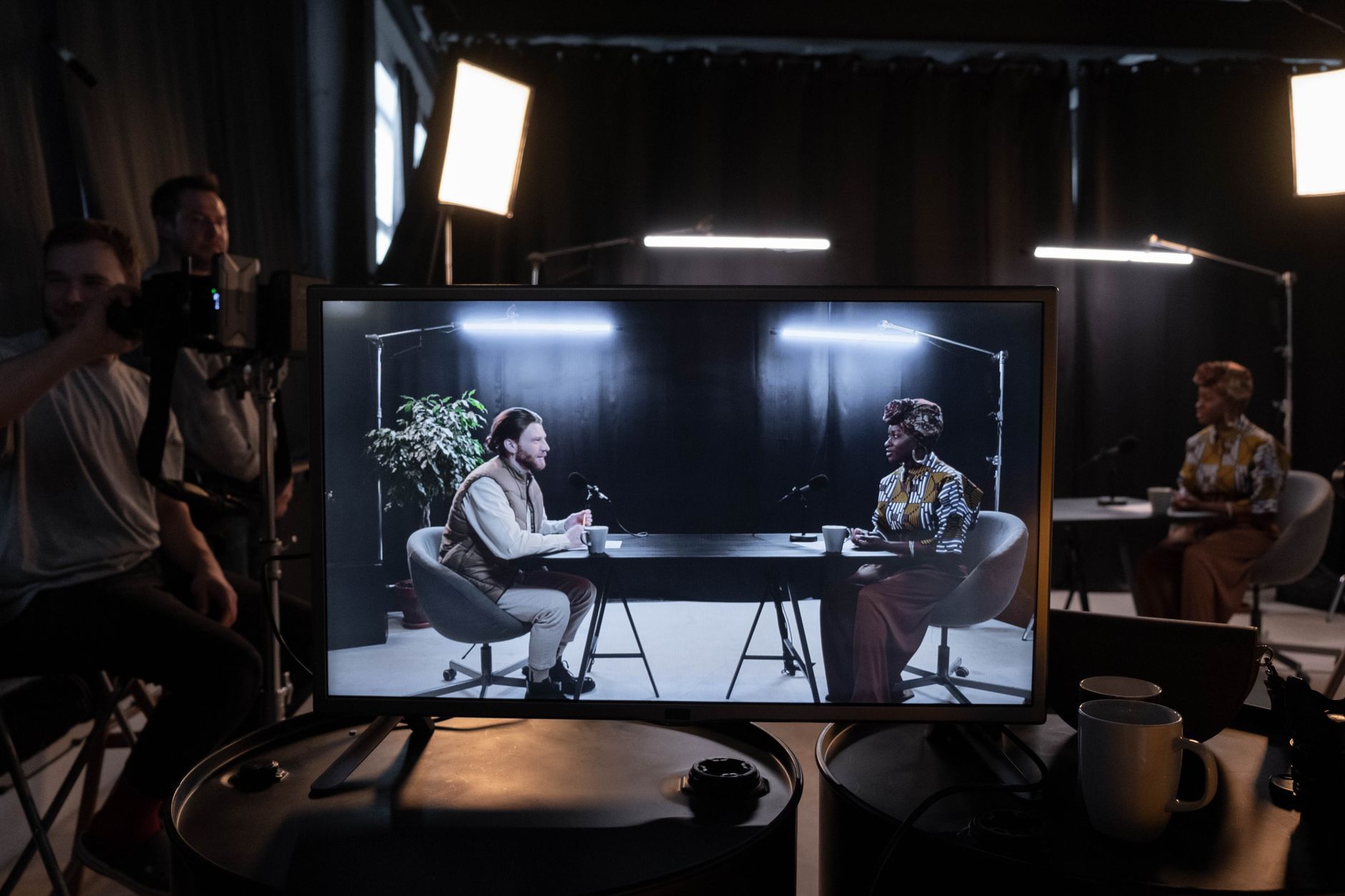
Virtual production — the practice of compositing real-time 3D environments behind live actors using LED volumes or in-camera VFX (ICVFX) techniques — is no longer exclusively the domain of Hollywood stages with $50 million budgets. A small studio in Regina or anywhere in Saskatchewan can build a functional, camera-ready virtual production capability today, provided you are honest about what the technology actually costs, where the corners can be cut without killing image quality, and where cutting corners will cost you more in post. Sinfull Studios has worked through this calculus directly, and the answer is more achievable than most people assume — but only if you start with the right components.
What Does “Budget” Actually Mean for Virtual Production?
Budget is relative, but for a small market studio the realistic entry range for a working virtual production setup — not a proof-of-concept, but something you can actually put a camera in front of — is roughly $15,000 to $80,000 CAD depending on the approach. That spread exists because the display technology, the render hardware, and the tracking system each have wide price tiers, and you do not need the top tier of all three simultaneously to produce usable work. The key is knowing which component is the actual image-quality bottleneck for your specific use case.
LED Volume vs. Projection vs. Green Screen — Which Should You Start With?
These are three different tools, not three versions of the same tool. A true LED volume — panels driven by nDisplay through Unreal Engine, genlocked to camera — gives you real bounce light on your subject, eliminates most green-screen spill issues, and lets you capture reflections in-camera. It is also the most expensive path. A scaled-down LED wall for a small studio (roughly 4m wide by 2.5m tall) using mid-tier panels at 2.6mm or 3.9mm pixel pitch can be assembled for $20,000–$40,000 CAD in hardware. Projection can work at lower cost but struggles with ambient light, keystone correction complexity, and the fact that projector brightness rarely matches the dynamic range a cinema camera expects. Green screen remains the most affordable starting point and pairs well with real-time compositing in Unreal Engine when tracking is solid — but spill suppression and lighting matching are real labor costs that eat into the savings. For a studio in Regina that wants to start generating revenue immediately, green screen plus a strong Unreal Engine real-time comp pipeline is the honest first step. Build toward LED panels as the pipeline matures.
What GPU and Render Hardware Do You Actually Need?
This is where budgets most often collapse. Unreal Engine’s Lumen global illumination and Nanite virtualized geometry — the two systems that make real-time backgrounds look credible — are GPU-bound. For a single-output nDisplay configuration driving a modest LED wall or a compositing monitor, a single NVIDIA RTX 4080 or 4090 class card is workable. Multi-output nDisplay setups driving a full LED volume need render nodes, and those nodes add up fast. A practical small-studio render node for VP starts at around $5,000–$8,000 CAD per node (workstation-class machine, RTX 4090, NVMe storage fast enough to stream World Partition levels). The render hardware is often a larger line item than the display hardware at small scales — budget accordingly, and do not underestimate the value of fast NVMe storage when streaming large Megascans-based environments.
How Do You Handle Camera Tracking on a Budget?
Camera tracking — knowing exactly where the camera is in 3D space so the Unreal Engine frustum can be rendered from the correct perspective — is non-negotiable for in-camera VFX. Without it, the background does not move correctly relative to the camera and parallax breaks immediately. High-end productions use optical outside-in tracking systems (Mo-Sys, Ncam, Stype) that cost $30,000–$100,000+ USD. For a small studio, the realistic budget options are: a LiDAR-assisted inside-out tracker like the Mo-Sys StarTracker Lite (significantly cheaper, still reliable), lens encoders paired with an IMU system, or — for locked-off and slow-move work — a carefully calibrated manual frustum matched in Unreal Engine. The honest answer is that real-time parallax-correct tracking under $10,000 CAD is difficult but not impossible, and the use case has to match the tracking fidelity. Slow, deliberate camera moves and locked shots forgive a lot. Handheld work and fast pans do not.
What Unreal Engine Features Are Worth Learning First?
For a studio building VP capability in stages, the Unreal Engine features that deliver the most value earliest are:
- nDisplay — the multi-output rendering framework that drives LED volumes and handles cluster synchronization and genlock
- Lumen — real-time global illumination that makes CG backgrounds respond to dynamic light without baked lightmaps
- Nanite — virtualized geometry that lets you load film-resolution Megascans assets without manually optimizing polygon counts
- Live Link — the protocol that brings tracking data, mocap, and simulcam data into Unreal in real time
- In-Camera VFX (ICVFX) camera component — the inner frustum system that renders the camera’s field of view at higher fidelity than the surrounding LED panels
World Partition and large world coordinates matter more once your environments scale up. Start with nDisplay and Lumen — those two alone unlock most of what makes a real-time VP background credible.
What Is Not Worth the Investment Yet for a Small Studio?
Full motion capture volume integration, real-time cloth and hair simulation at broadcast quality, and multi-camera ICVFX with independent frustums per camera are genuinely hard problems at small-studio scale — not because the software cannot do them, but because the hardware cost and calibration overhead scales faster than the revenue opportunity in a market like Saskatchewan. A virtual art department (VAD) pipeline — designing and previsualizating sets entirely in Unreal Engine before committing to physical builds — delivers more immediate ROI for a small studio than trying to replicate a full LED volume stage. Build the environment art skills, the nDisplay fundamentals, and the compositing pipeline first. The physical infrastructure follows the work, not the other way around.
Where Does the Money Actually Go?
Across a realistic small-studio VP build, the rough budget allocation tends to look like this:
- Display hardware (panels or projection) — 25–40% of total
- Render nodes and workstations — 30–40% of total
- Tracking hardware and lens encoders — 10–20% of total
- Cabling, signal distribution, genlock hardware — 5–10% of total
- Software licenses (Unreal Engine is free; nDisplay is included; budget for Megascans subscriptions and any third-party Live Link plugins) — 2–5% of total
- Integration labor and calibration — often underestimated, plan for at least 10% of hardware cost in setup time
What Should a Regina Studio Actually Build First?
At Sinfull Studios, the practical recommendation for a small production company or creative studio in Regina entering virtual production is: invest first in a strong Unreal Engine environment art pipeline and a green screen compositing workflow driven by real-time Unreal renders. This is lower capital cost, generates usable content immediately, and builds the team’s Nanite, Lumen, and nDisplay fluency before you commit to physical panel infrastructure. When client demand and project budgets justify it, the transition to a physical LED wall becomes a direct extension of skills already in production rather than a parallel learning curve running alongside capital expenditure. Saskatchewan has almost no competition in this space right now — that gap is the opportunity, and it does not require a $2 million stage to take advantage of it.
Explore Virtual Production with Unreal Engine at Sinfull Studios for more.
Frequently Asked Questions
How much does it cost to build a virtual production setup for a small studio in Saskatchewan?
A functional virtual production setup for a small studio in Saskatchewan — one capable of real work, not just a demo — typically ranges from $15,000 to $80,000 CAD depending on the display technology chosen. A green screen plus real-time Unreal Engine compositing pipeline sits at the low end; a scaled-down LED volume with nDisplay render nodes and camera tracking hardware sits at the high end. The render hardware (GPU workstations and nodes) frequently costs more than the display hardware at small scales, and tracking systems add $5,000–$30,000 CAD depending on the fidelity required.
What is the difference between an LED volume and green screen for virtual production?
An LED volume uses physical display panels driven by Unreal Engine via nDisplay, genlocked to the camera, to project a 3D environment behind actors in real time. This provides actual bounce light on the subject from the background, allows reflections to be captured in-camera, and eliminates green-screen spill. Green screen composites a separately rendered Unreal Engine background in post (or in real time), is significantly cheaper to set up, but requires careful lighting matching and spill suppression. For small studios, green screen with a real-time Unreal Engine pipeline is the practical entry point; an LED volume becomes worthwhile once client volume and project budgets support the hardware investment.
What camera tracking options exist for budget virtual production?
Camera tracking in virtual production — knowing the camera’s exact position and orientation so the Unreal Engine frustum renders from the correct perspective — ranges from professional optical systems like Mo-Sys, Ncam, or Stype ($30,000–$100,000+ USD) to more affordable inside-out LiDAR-assisted trackers, IMU plus lens encoder combinations, or manually matched locked-off frustums. For slow, deliberate camera moves and static shots, lower-cost tracking solutions are viable. For handheld work or fast pans, tracking fidelity becomes the limiting factor on image quality regardless of how good the LED panels or render hardware are.
Related reading from Sinfull Studios
- What Is Virtual Production? A Plain-English Guide for Filmmakers and Brands
- In-Camera VFX Explained: How an LED Volume Captures Final Shots Live
- Virtual Scouting in Unreal Engine: Walking a Set Before You Build It
- Genlock, Camera Tracking, and the Frustum: The Backbone of an LED Volume
Planning a virtual production, Unreal Engine, or VFX project in Regina or anywhere in Saskatchewan? Request a quote from Sinfull Studios.


