
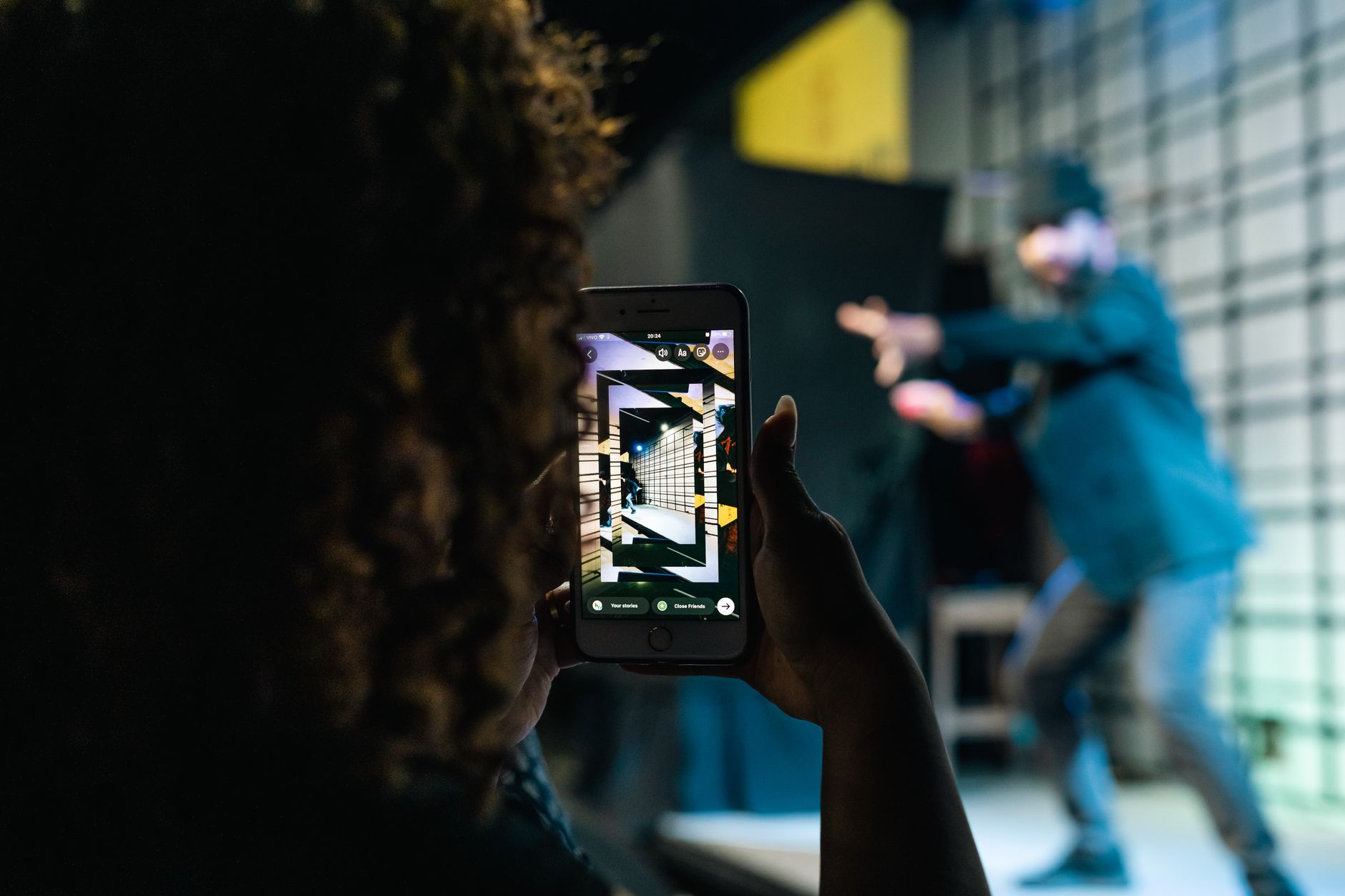
Motion capture used to mean a marker suit, a calibrated stage, and a five-figure budget. In 2026 it doesn’t have to. Markerless, AI-driven capture turns ordinary video into animation data, which means a small game team or an indie filmmaker can get believable human movement from footage shot on a phone — as long as someone cleans, solves, and retargets it properly. This guide explains how remote motion capture and AI mocap cleanup actually work, what the tools can and can’t do, and how to budget for it.
Markerless mocap, explained
Traditional mocap tracks reflective markers (optical systems like Vicon/OptiTrack) or inertial sensors in a suit (Xsens, Rokoko Smartsuit). Markerless capture skips both: an AI model reconstructs a 3D skeleton directly from video. Single-camera tools such as Move.ai (single-cam), DeepMotion, Plask, and Rokoko Vision are good for blocking, previs, and reference. Multi-camera setups — Move.ai’s multi-cam/Genesis, or a calibrated phone array — push quality toward production-ready. For faces, Apple’s ARKit with Live Link Face and Unreal’s MetaHuman Animator are genuinely production-grade and effectively free with Unreal Engine.
The trade-off is honesty: single-camera AI capture is rarely final-shot quality on its own. It drifts, the feet slide, knees and elbows pop, and depth guesses go wrong. That is not a reason to avoid it — it is the reason cleanup exists.
Why every AI mocap clip needs cleanup
Here is the part the tool marketing skips: every markerless system produces the same family of errors. Foot-sliding, jitter, ground penetration, broken contacts, and limb pops are inherent to solving 3D motion from limited 2D information. The fix is a cleanup-and-solve pass — stabilising contacts, filtering jitter, fixing the skeleton solve, and only then retargeting onto your character. This is where raw “AI mocap” becomes animation you can actually ship.
Because the flaws are predictable, mocap cleanup is a durable, repeatable service — not a one-off. If you capture a library of moves, you will need every one of them cleaned to a consistent standard.
The remote workflow
- You shoot. A phone or camera is enough. Good framing, even lighting, and the full body in frame matter more than expensive gear.
- Upload. Send the footage over the cloud — distance is irrelevant when there are no markers or stage to share.
- Solve + clean. The motion is reconstructed, then jitter, foot-slide, and contacts are fixed.
- Retarget. The cleaned motion is mapped onto your rig — MetaHuman, an Unreal or Unity character, a Blender or Maya skeleton, or a custom rig.
- Deliver. You get FBX, BVH, USD, or engine-ready assets that drop straight into your project.
What it costs
Stage-based mocap day-rates run roughly $1,500–$3,000 at the mid tier, with per-second solve-and-retarget often quoted around $18–$20 per second and cleanup billed hourly. Markerless plus a remote cleanup service collapses most of that overhead: you are paying for the solve and the polish, not for studio time. The practical, indie-friendly model is per clip for one-off actions and per batch for animation libraries. That is how Sinfull Studios prices it — no stage rental, no minimums. (See our motion capture service for current options.)
Who this is for
- Indie game studios — animation is the most expensive part of a small game; markerless mocap gets you a full move-set for a fraction of hand-keying.
- Filmmakers and previs teams — drive digital characters and previs sequences with real performance, then finish in a AI filmmaking or virtual production pipeline.
- Animators who want a clean base layer to polish instead of starting from zero.
Frequently asked questions
Do I need a mocap suit or a studio?
No. Markerless capture works from ordinary video — even a phone. That is what makes it affordable and fully remote.
How accurate is markerless motion capture?
Excellent for locomotion, body acting, gameplay moves, and previs. Multi-camera setups and a proper cleanup pass close most of the gap to stage mocap. Ultra-fine fingers and subtle facial nuance still benefit from hand-keyed polish.
What can you retarget the animation onto?
MetaHuman, Unreal Engine, Unity, Blender, Maya, or a custom skeleton, delivered as FBX, BVH, USD, or engine-ready assets.
How is remote mocap priced?
Per clip for single actions, or per batch for animation libraries — with indie-friendly rates and no studio rental.
Ready to animate something? Tell us what you need to capture and we will quote it per clip or per batch. Get a free quote →


