
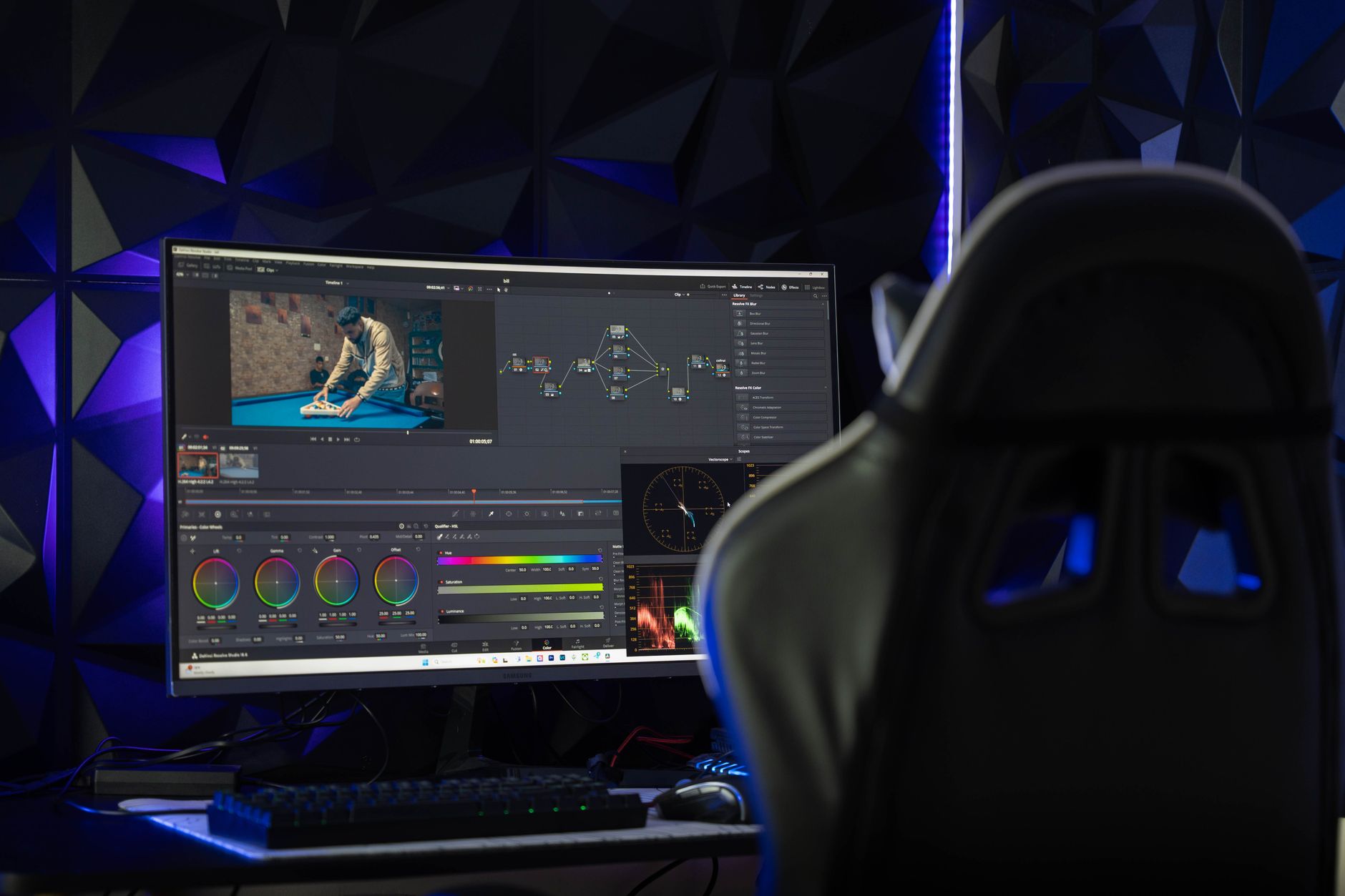
At Sinfull Studios, we handle VFX and compositing remotely for producers and studios anywhere in the world — from roto and cleanup to full CG integration and set extension. If your production has plates and a clear scope, we can turn it around without ever needing to be on your lot. Here is the practical guide to how outsourcing comp actually works, what you need to prepare, and how to choose the right remote vendor.
What Can You Actually Outsource in VFX and Compositing?
More than most producers expect. Once you have locked picture and organized plates, nearly every compositing task can move to a remote vendor. The categories that travel well include:
- Rotoscoping and roto-animation (isolating elements frame-by-frame)
- Wire and rig removal, cleanup, and paint-outs
- Matchmoving and camera tracking (solving the camera path so CG sits correctly in the plate)
- Green screen and blue screen keying and integration
- Set extension — replacing or extending practical backgrounds with CG or matte paintings
- CG element integration (adding 3D renders into live-action plates)
- Beauty work and digital makeup
- Motion graphics and title design
What is harder to outsource remotely is anything that requires real-time on-set decisions — like virtual production LED wall content during principal photography. That said, the assets and environments feeding that wall can absolutely be built remotely in advance. Our remote VFX and production services page covers what we support end-to-end.
How Do You Prep a VFX Turnover for a Remote Vendor?
A clean turnover is the single biggest variable in whether outsourced VFX runs smoothly or becomes a support burden. Before you hand off plates, your package should include:
- Organized, named media — one folder per shot, consistent naming convention (scene-shot-take or similar)
- Original camera codec or a specified delivery format (ProRes 4444, EXR sequences, or whatever the pipeline requires)
- Camera data: lens information, sensor size, any on-set tracking markers
- On-set reference photos — gray balls, chrome balls, lighting direction
- A VFX breakdown or shot list with clear descriptions of what needs to happen in each shot
- Locked editorial cut or, at minimum, cut handles so the vendor knows which frames are in use
- Any existing assets — concept art, lookdev references, CG elements already in progress
The more organized the turnover, the faster and cheaper the VFX work. Disorganized deliveries always cost more — either in prep time or in corrections downstream.
How Should You Budget VFX Shots?
VFX is priced by complexity, not by duration. A two-second wire removal is a fraction of the cost of a two-second CG creature integration. When building a budget, categorize each shot into a tier:
- Simple: cleanup, paint-outs, basic keying with clean edges
- Mid: set extension with static camera, green screen with motion blur or hair, multi-pass roto
- Complex: moving camera with CG integration, matchmove + CG object + relighting, full environment replacement
Get per-shot estimates, not just a total, so you can prioritize if the budget shifts. Build in contingency — typically 10 to 20 percent — for note rounds that expand scope. And separate the cost of plates acquisition from comp: if your shoot produces unusable plates, no vendor can fix that cheaply.
How Many Review Rounds Are Normal?
Industry standard for a clean project is two rounds of client notes, plus a final approval. That means the vendor delivers a first pass (sometimes called “internal” or “vendor review”), you give consolidated notes, they deliver a revised version, you give a second round of notes, and the third delivery is the approved final. Anything beyond three rounds is usually scope expansion — and should be treated as additional work, not a deficiency on the vendor’s part.
Remote review works well through frame.io, Vimeo review links, or ShotGrid/ftrack for larger productions. What matters is that notes are specific: timecode, what the problem is, and — where possible — a reference image showing the intent. “The shadow looks weird” is not an actionable note. “The shadow on the ground plane at frame 1042 is too sharp for the soft ambient light in the plate — see the reference image from the set” is.
What Are the Real Advantages of Remote VFX Vendors?
For the right type of work, remote outsourcing gives you access to specialized skills you may not have in-house, faster turnaround because the vendor is focused on your work rather than maintaining a full studio, and cost efficiency — particularly when working with a Canada-based vendor where the exchange rate and cost structure can deliver real value compared to equivalent U.S. or UK houses. We built the Medicine Women teaser entirely through our in-house Unreal pipeline, handling VFX, environment art, and finishing remotely — the same workflow we bring to client projects.
Remote also means timezone transparency, not a limitation. North American timezone coverage means real-time overlap with U.S. and Latin American productions, and structured daily handoffs work well with European and Asia-Pacific clients.
How Do You Pick the Right Remote VFX Vendor?
Ask these questions before committing:
- Does their reel show work in the same category as your shots — not just “VFX” in general?
- Can they show pipeline details, not just pretty frames? How do they handle file delivery, versioning, and notes?
- Do they have real production credits, or is everything spec work and personal projects?
- What software are they working in — Nuke, After Effects, Fusion — and does it match your downstream pipeline?
- How do they handle scope creep and overage? Is that in the contract?
- What is the escalation path if a shot is not tracking correctly and needs to be rebuilt?
A credible vendor will answer all of these clearly. Vague answers about process are a red flag — VFX is a technical discipline and good vendors are specific about how they work.
What Does the Collaboration Actually Look Like Day-to-Day?
Once a project is set up, day-to-day remote VFX work is mostly asynchronous — you are not on a call all day. You deliver plates and a shot list, the vendor works through the queue, and you review deliveries as they land. For active productions with tight schedules, a weekly check-in call keeps things aligned. For longer post schedules, email and a shared review link is often enough. The key is establishing a clear cadence upfront — delivery days, review windows, and a deadline for consolidated notes so the vendor is not waiting on feedback across multiple stakeholders.
Explore remote VFX, virtual production, and post services at Sinfull Studios — we work with studios and creators worldwide.
Related reading from Sinfull Studios
- Proof-of-Concept Production Worldwide
- Remote Color Grading
- Hiring a Remote VFX Studio
- Remote VFX & Production Services
Working on a project anywhere in the world? Explore remote VFX, virtual production, and post services at Sinfull Studios.
Frequently Asked Questions
How do I send plates and media to a remote VFX vendor?
Most remote VFX vendors accept plates via secure cloud transfer — Frame.io, WeTransfer Pro, Dropbox, or a client-specific FTP/SFTP folder. Organize your media by shot before uploading: one folder per shot, consistent naming, and include camera metadata and any on-set reference. For EXR sequences or RAW files, confirm the vendor’s ingest format before you upload to avoid a re-delivery round. Sinfull Studios supports standard cloud handoff and will confirm the preferred format at project setup.
What is the difference between roto and matchmove, and when do you need each?
Rotoscoping (roto) is the frame-by-frame process of drawing a mask around a subject or element to isolate it — used to pull an actor off a background, remove a wire, or separate layers for compositing. Matchmoving (also called camera tracking) is a separate process that analyzes the live-action plate to reconstruct the camera’s movement in 3D space, so that CG elements can be added and move convincingly with the plate. Most shots requiring CG integration need matchmoving. Shots requiring isolation of a live element — keying, cleanup, or layer separation — need roto. Complex shots often need both.
How long does remote VFX compositing typically take per shot?
Turnaround depends on shot complexity. A simple paint-out or wire removal can move through first delivery in one to two days. A standard green screen key with matchmove and a CG element integration typically takes five to ten business days for a first delivery, depending on queue and complexity. Set extensions and full environment replacements are longer — two to four weeks for a complex shot from turnover to first delivery is realistic. Vendors working on a batch of shots from the same production can often run shots in parallel, which compresses the overall schedule even when individual shots take time.


