The machine that runs your AI generation, 3D renders, and video editing is the beating heart of a home studio, and building the right one is the best money you will spend. The good news: a well-chosen workstation today can do work that once needed a render farm. The key is knowing what actually matters, because for creative and AI work, the priorities are not what a generic gaming build tells you. Here is how to spec a home render and AI workstation for filmmaking.
This is part of our series on the tech stack behind an AI film studio and pairs with running AI locally.
The GPU is king
For AI generation and GPU rendering alike, the graphics card is the single most important component, and its VRAM is the number to watch. VRAM determines how large a model, image, or scene you can work with, run out and the job simply will not fit. Prioritize a card with generous VRAM over almost anything else. This one choice affects more of your daily experience than any other.
The supporting cast
CPU
Still important for editing, simulation, and feeding the GPU. A strong multi-core processor keeps everything moving, but you do not need the absolute top tier if the budget is better spent on the GPU.
System RAM
Creative work is memory-hungry. Plenty of RAM lets you edit high-resolution footage, run large scenes, and multitask without stalls. This is a cheap place to buy comfort.
Fast storage
A fast NVMe drive for your active projects and cache makes everything feel quicker, and a larger drive for current media. Long-term storage belongs on your NAS, not the workstation.
Don’t forget power and cooling
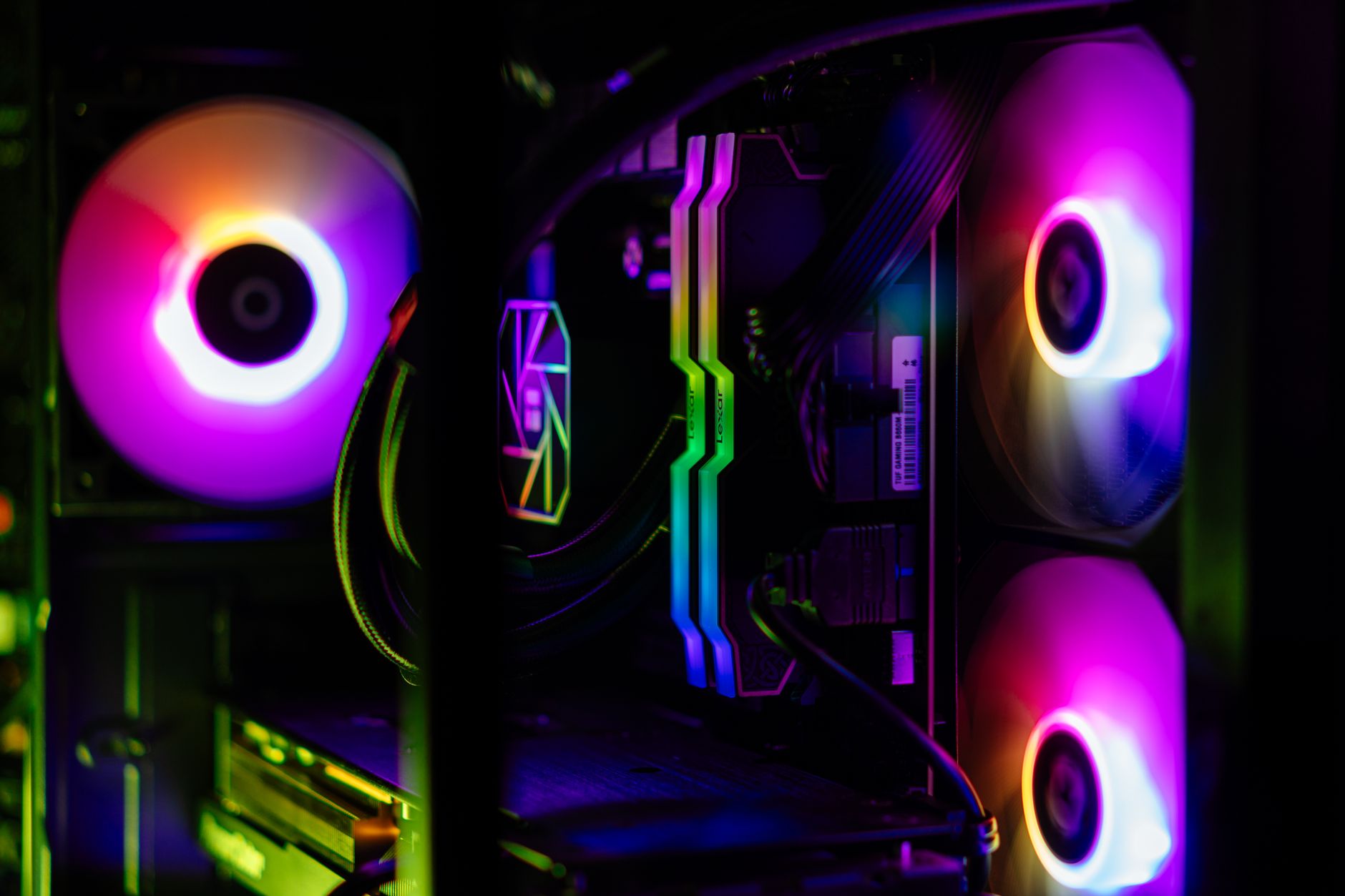
A powerful GPU draws serious power and makes serious heat. A quality power supply with headroom and good cooling are not optional extras, they are what keep the machine stable under the long, heavy loads that AI and rendering create. Skimping here causes the crashes that cost you a night’s work.
Buy the most VRAM you can afford, feed it enough RAM and power, and put your storage somewhere safe. That’s the whole recipe.
Budget tiers, honestly
An entry build with a solid mid-range GPU handles local image generation, previs, and 1080p editing well. A mid build with a high-VRAM card steps up to smooth 4K work and heavier AI video. A high-end build with a top consumer card and abundant RAM starts to rival small render farms. Start where your work is today; you can always add a second machine later, which is the start of a real render setup.
Frequently Asked Questions
What’s the most important part of an AI and render workstation?
The GPU, and specifically its VRAM. VRAM sets how large a model, image, or scene you can handle, so it affects daily work more than any other component. Prioritize a graphics card with generous VRAM above almost everything else.
How much RAM and storage do you need for filmmaking?
Plenty of system RAM for editing high-resolution footage and running large scenes without stalls, a fast NVMe drive for active projects and cache, and a larger drive for current media. Long-term storage should live on a NAS rather than the workstation.
Do I need top-end everything for AI filmmaking?
No. Put the budget into GPU VRAM, then adequate RAM, power, and cooling. A strong multi-core CPU helps but need not be the absolute top tier. An entry build handles image generation and 1080p editing; higher tiers add 4K and heavier AI video.