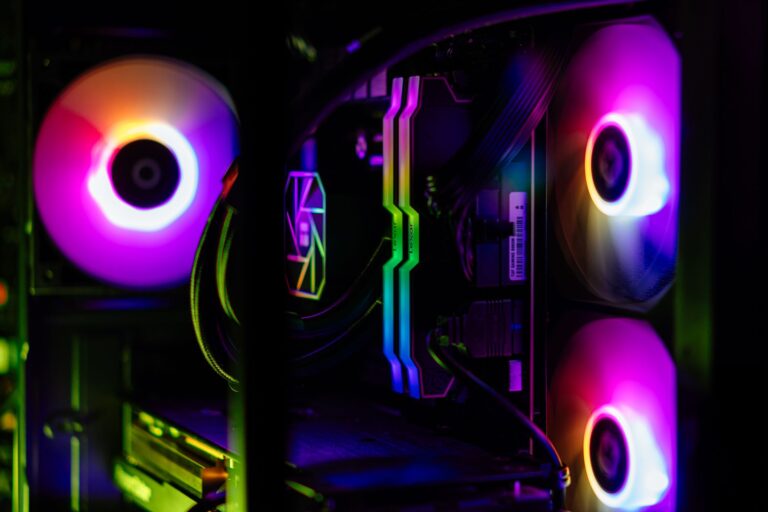
Most studios rent almost everything: web hosting, file sync, media streaming, even render power. It works, but the bills stack up and your work lives on other people’s computers. Self-hosting, running those services on your own servers, is the alternative, and it is more achievable than it sounds. Done sensibly, it gives a studio control, lower long-term costs, and real privacy. Here is a practical look at self-hosting your studio’s web, media, and render services.
This is the deep end of our series on the studio tech stack.
What’s worth self-hosting
Your website
A studio site can run on your own server rather than a hosting company’s, giving you full control over performance and configuration. It takes more responsibility, updates, security, uptime, but removes a recurring cost and a dependency. Many studios, including ours, run their own site this way.
File sync and sharing
Self-hosted file-sync tools give you a private alternative to commercial cloud drives: your team syncs and shares files through your own server, so confidential work never sits on a third party’s disk. For NDA work this is a real advantage.
Media serving
A media server streams your footage and finished films to any device, in the studio or remotely, without monthly fees or someone else’s content rules.
Render power
A spare workstation or a small cluster can act as a render node, taking jobs off your main machine, the seed of an in-house render farm that saves on cloud render fees over time.
The tools that make it manageable
Two ideas make self-hosting far easier than it used to be. Containers let you run each service in a tidy, isolated package that is simple to install, update, and move. A virtualization platform lets one physical server run many isolated systems at once, so a single box can host your website, file sync, and media server without them interfering. Together they turn a jumble of services into something a small team can actually manage.
Self-hosting isn’t about doing everything yourself. It’s about owning the parts that are core to your business.
Be honest about the trade-offs
Self-hosting is not free in effort. You become responsible for uptime, updates, and especially security, exposing services to the internet safely takes care. The right approach is gradual: self-host what gives you the most control and savings, keep renting what is not worth the hassle, and never expose anything without proper security and, above all, the backups we cannot stop recommending. Owned infrastructure is powerful, but only when it is protected.
Where to start
Begin with one service that matters to you, private file sync, a media server, or your website, on a single machine, and get comfortable running it. Add the next only when the first feels routine. Built up this way, over time you own a studio backbone that costs less, keeps your work private, and answers to no one but you.
Frequently Asked Questions
What can a studio self-host instead of renting?
Its website, file sync and sharing, media streaming, and render power. Running these on your own servers gives control, lower long-term costs, and privacy, which matters for confidential work. Many studios self-host their site and private file sync while renting only what isn’t worth the effort.
What makes self-hosting manageable today?
Containers, which package each service in a tidy, isolated, easy-to-update form, and virtualization, which lets one physical server run many isolated systems at once. Together they let a single machine host a website, file sync, and media server that a small team can actually maintain.
What are the downsides of self-hosting?
You become responsible for uptime, updates, and especially security, since exposing services to the internet safely takes care. The sensible approach is gradual: self-host what gives the most control and savings, keep renting the rest, and never run anything without strong security and reliable backups.