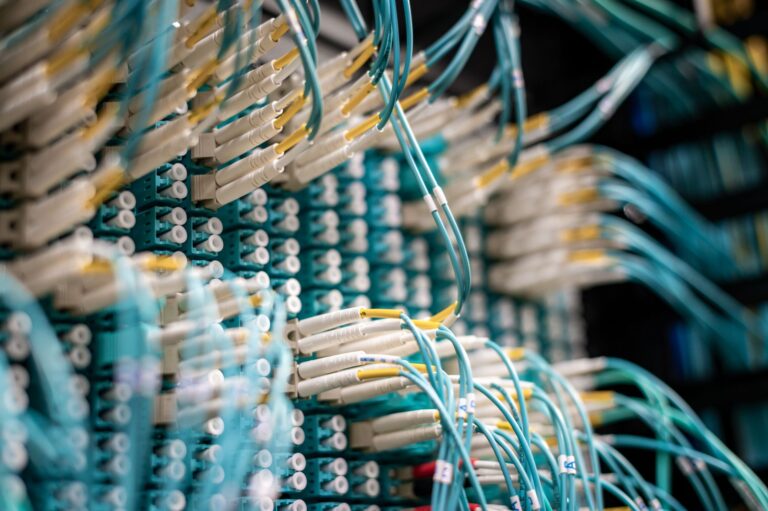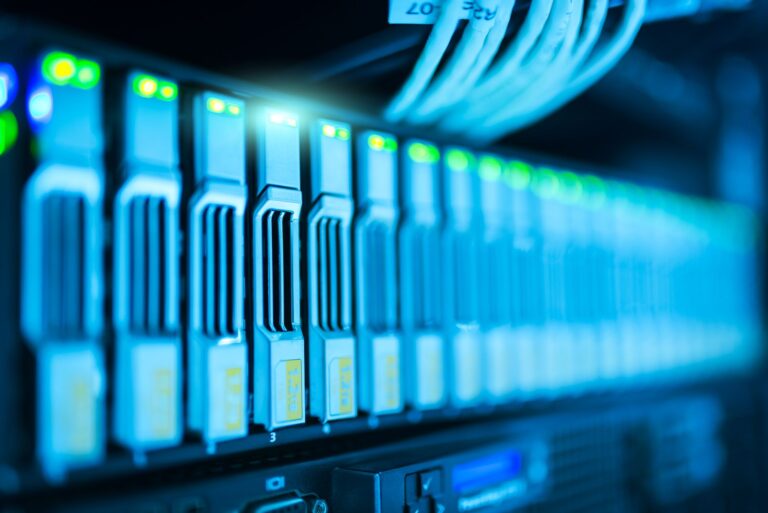
Behind every AI film studio is a stack of unglamorous but essential technology: the machines that generate the shots, the storage that holds terabytes of footage, the servers that keep it all running, and the backups that make sure a hard-drive failure is not a catastrophe. The creative tools get the attention, but the infrastructure is what actually lets a small studio work like a big one. This is a look under the hood at the tech stack behind the scenes, and why we run so much of it ourselves.
If you are curious how the client-facing side works, that lives on our AI filmmaking page. This series is about the machinery underneath it.
What an AI film studio actually runs
The work splits into a few layers. There is generation: creating and refining shots with AI video tools. There is production: editing, compositing, color, and 3D. There is storage: holding enormous media files safely. And there is infrastructure: the servers, networking, and backups that tie it together. Each layer has a cloud option and a run-it-yourself option, and the interesting decisions are about which to keep in-house.
Cloud where it’s best, local where it counts
The strongest AI video tools today, Runway, Kling, and Google’s Veo among them, are cloud services, and for top-end generation they are worth it. But a lot of the day-to-day, iteration, previs, private client work, and anything you run hundreds of times, is cheaper, faster, and more private when run locally on your own hardware. The smart setup is hybrid: cloud for the peaks, local for the volume.
The cloud is a brilliant place to rent power you use occasionally. It’s an expensive place to run the things you do all day.
The hardware that makes it possible
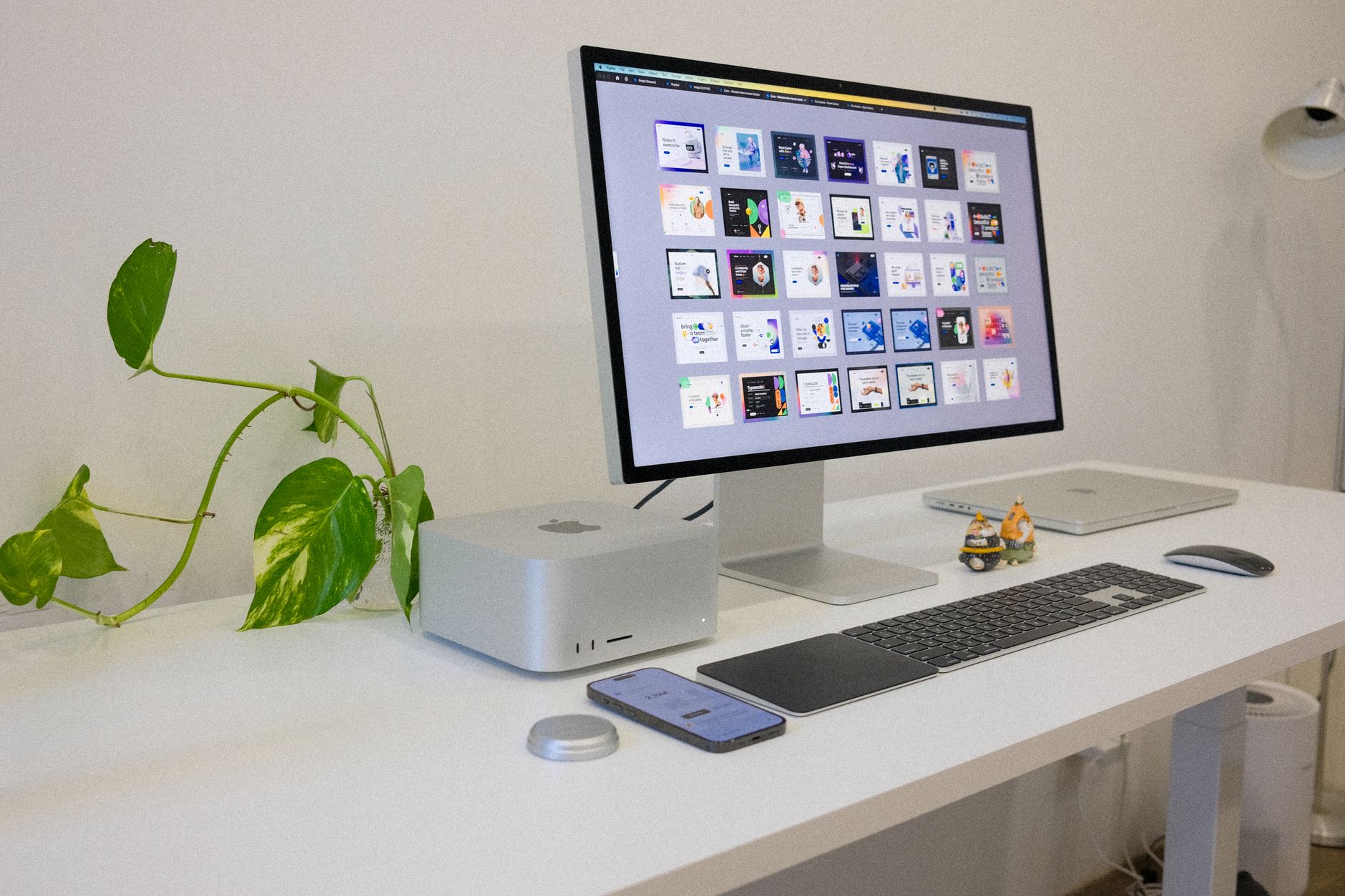
Local AI generation and rendering both live and die on the graphics card. A capable home render and AI workstation can do work that used to require a render farm, and it pays for itself quickly against per-generation cloud fees. Building the right machine is the single highest-leverage infrastructure decision a small studio makes.
Storage and servers: the boring stuff that saves you
Footage and AI output pile up fast, and losing it is the one mistake you cannot iterate your way out of. That is why we run a proper home NAS for storage and backup, and self-host the web, media, and render services the studio depends on. If you are new to this, start with home server basics for creators.
Why run it yourself?
Three reasons: control, cost, and privacy. Owning your infrastructure means no per-seat fees eating your margin, no vendor deciding your files’ fate, and confidential client work that never leaves your building. It takes effort to set up, but for a studio that plans to be around, owning the backbone beats renting it. The rest of this series shows how each piece is built.
Frequently Asked Questions
What technology does an AI film studio run?
Four layers: generation (AI video tools), production (editing, compositing, color, 3D), storage (holding large media safely), and infrastructure (servers, networking, backups). Each has a cloud option and a self-hosted option, and much of the day-to-day work is cheaper and more private run locally.
Should AI filmmaking be done in the cloud or locally?
Both. The strongest AI video tools (Runway, Kling, Veo) are cloud services worth using for top-end generation, but iteration, previs, and private client work are usually cheaper, faster, and more private on your own hardware. A hybrid setup uses cloud for peaks and local for volume.
Why would a studio run its own servers instead of using the cloud?
Control, cost, and privacy: no per-seat fees eroding margins, no vendor controlling your files, and confidential work that never leaves the building. It takes setup effort, but for a studio built to last, owning the backbone beats renting it.