
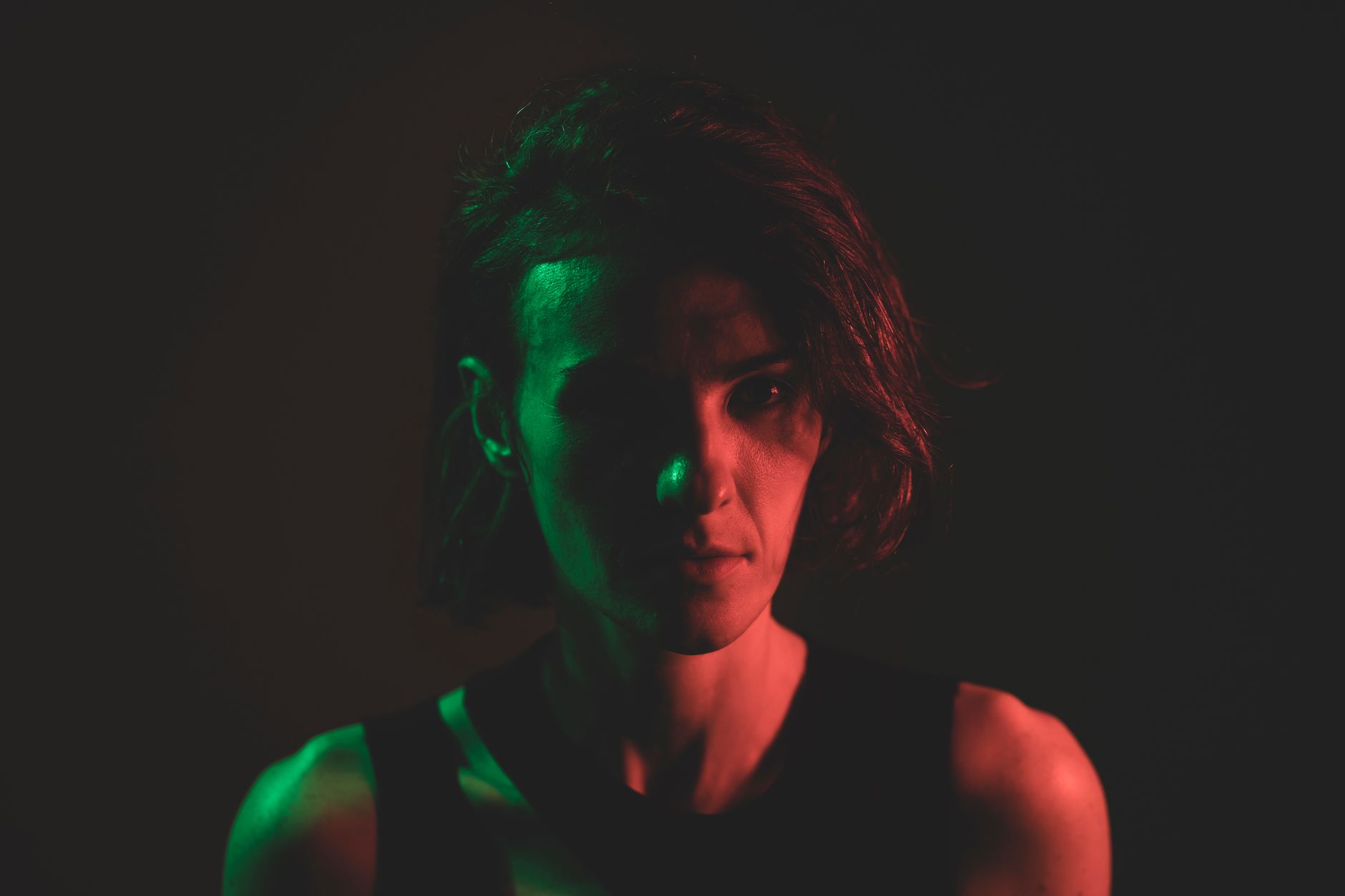
The single biggest tell of amateur AI video is a character who changes between shots — a slightly different face, a wandering wardrobe, a hairstyle that resets every cut. Solving AI video character consistency is the line that separates professional work from prompt-and-pray. It’s also the part that takes real craft: references, sometimes custom-trained models, and a disciplined reject-and-iterate loop. This is the workflow we use to keep a character locked across a full sequence — what we call the no-wonky-stuff approach.
Why characters drift between shots
Generative video models build each clip largely from scratch. Unless you constrain them, “a woman in a red jacket” is a fresh interpretation every time — different bone structure, different jacket, different lighting logic. Drift compounds across a sequence: by shot six, the character your audience met in shot one is gone. The model isn’t broken; it simply has no memory of your character. Consistency is something you impose, not something you hope for.
Image and motion references: the first line of defense
The most practical control comes from references, and this is where Runway (Gen-4 / 4.5) earns its place in the stack. Two levers matter:
- Image references anchor identity. Feed the model a locked character image — face, wardrobe, key details — and it carries those traits into the new shot instead of inventing them.
- Motion references anchor movement and framing, so a performance or camera move stays coherent shot to shot rather than re-randomizing.
References get you most of the way for many projects. We build a small reference set per character — front, three-quarter, profile, full wardrobe — and reuse it across every shot. This is the backbone of the consistency layer in our production pipeline.
LoRAs and custom-trained models: when you need to lock it hard
When a character appears across many shots — a series lead, a recurring brand mascot, a hero in a long-form piece — references alone start to slip. That’s when we train a custom model, typically a LoRA, on a curated set of images of that character. A trained model bakes the identity in: the same face, the same proportions, far more reliably across angles, expressions, and lighting than prompting can manage. It’s more upfront effort, so we reserve it for characters that genuinely recur. The payoff is a character you can place in almost any shot and trust.
Locking face, wardrobe, and palette
Consistency isn’t only the face. A professional setup locks three things in parallel:
- Face and identity — via references and, where warranted, a trained model.
- Wardrobe and props — documented and reinforced every shot; small details (a logo, a watch, a scar) are the ones audiences subconsciously catch when they change.
- Palette and lighting — a defined color and lighting language so shots feel like one world. Final color grading in DaVinci Resolve unifies what generation can’t.
Where a real product or exact logo has to be perfect, we composite it rather than trusting the generator — current models still don’t render specific products or text reliably, and that’s a job for a compositor, not a prompt.
The reject-and-iterate discipline
This is the unglamorous heart of professional AI work. We reject 80 to 90 percent of generations. A shot that’s 95 percent right but has a drifting face or a wonky hand doesn’t ship — it gets re-rolled, reframed, or fixed in post. The discipline is what makes the difference:
- Generate multiple takes per shot and select, never settle for the first usable clip.
- Check continuity against the previous shot, not just against the prompt.
- Fix small errors — hands, eyes, text — with targeted compositing rather than hoping the next generation behaves.
- Keep references and seeds versioned so a good result is reproducible.
Maintaining continuity across a sequence
A single good shot is easy; a coherent sequence is the real test. We work shot-to-shot, always referencing what came before — same character assets, same palette, consistent eyelines and screen direction — then assemble and grade in one editorial project so the whole piece reads as deliberate filmmaking. This is precisely the craft that separates professional AI film from amateur prompting, and it’s the standard across our AI filmmaking work. The tools generate clips; the director and compositor make them a film.
Frequently asked questions
Why do my AI characters keep changing between shots?
Because video models generate each clip largely from scratch and have no memory of your character. Without references or a trained model to anchor identity, every shot is a fresh interpretation, so the face, wardrobe, and details drift. Consistency has to be imposed deliberately.
Do I need a LoRA, or are references enough?
References in a tool like Runway are enough for many projects and shorter pieces. For a character that recurs across many shots – a series lead or a brand mascot – we train a custom model such as a LoRA to lock identity far more reliably across angles and lighting.
Can AI keep a real product or logo accurate across shots?
Not reliably on its own. Current models still struggle with specific products and text, so when exact accuracy matters we composite the real product or logo into the shot rather than trusting the generator. That’s a compositing task, not a prompting one.
What really separates professional AI video from amateur work?
Discipline. Professionals lock face, wardrobe, and palette with references or trained models, reject 80 to 90 percent of generations, check continuity shot to shot, and finish with compositing and color. Amateur work prompts and ships the first usable clip, which is why the characters drift.
If your AI footage looks generated, character drift is usually why. We build locked, consistent characters that hold up across a full sequence, using references, trained models, and a finishing pipeline that rejects the wonky stuff. Get a free quote and tell us about your character.


