
You can drive a fully rigged MetaHuman with a face performance shot on an iPhone and a body performance shot on ordinary video — no suit, no marker stage, no studio booking. The pieces are all production-grade and most of them are free with Unreal Engine. This guide lays out the complete remote pipeline: capturing the face with ARKit and MetaHuman Animator, capturing the body from markerless video, combining the two, retargeting onto your MetaHuman, and how we run the whole thing for you from footage you shoot at home.
The face: ARKit, Live Link Face, and MetaHuman Animator
Apple’s TrueDepth camera and ARKit do something genuinely hard well — they track the subtle muscle movements of a face in real time. The pipeline uses two free tools:
- Live Link Face: a free iPhone app that records ARKit facial data and a synced video reference of the performance.
- MetaHuman Animator: Epic’s facial solver, free with Unreal Engine and genuinely production-ready. It takes the iPhone footage and produces high-fidelity facial animation mapped to your MetaHuman’s face rig — lip sync, brow, eyes, and micro-expression included.
This is the strongest part of the whole pipeline. MetaHuman Animator output is good enough for cinematic and virtual-production work, with only occasional hand-keying needed for the most subtle beats.
The body: markerless capture from video
While the face comes from the iPhone, the body comes from ordinary video through markerless capture — single-camera for blocking and previs, multi-camera for near-production fidelity. There is no suit and no marker stage. As with all markerless capture, the raw body solve arrives with jitter, foot-slide, and joint pops that must be cleaned before use. That cleanup, solve, and retarget is the core work behind our markerless motion capture service.
Combining face and body
Face and body are captured separately and then merged onto one MetaHuman. The key is synchronization:
- Use a shared sync cue at the start of each take — a clap or a countdown — so the face and body timelines line up.
- Solve and clean the body, solve the face through MetaHuman Animator.
- Align both to the sync cue and combine them on the same character so head motion from the body and facial performance from the iPhone read as one performance.
Hands deserve a note: fine finger articulation rarely survives markerless body capture intact, so detailed hand work is usually keyed by hand on top of the body solve.
Retargeting onto your MetaHuman
MetaHumans share a standard skeleton, which makes retargeting clean and predictable. We map the cleaned body animation onto the MetaHuman body rig and apply the MetaHuman Animator facial solve to the face rig. The same body data can be retargeted to other targets too — Unreal Engine characters, Unity, Blender, Maya, or a custom skeleton — and delivered as FBX, BVH, USD, or engine-ready files. If your project lives in a game engine, our VFX and game development work covers getting these performances running in your build, not just exported.
The remote workflow, end to end
The entire pipeline runs without anyone being in the same room:
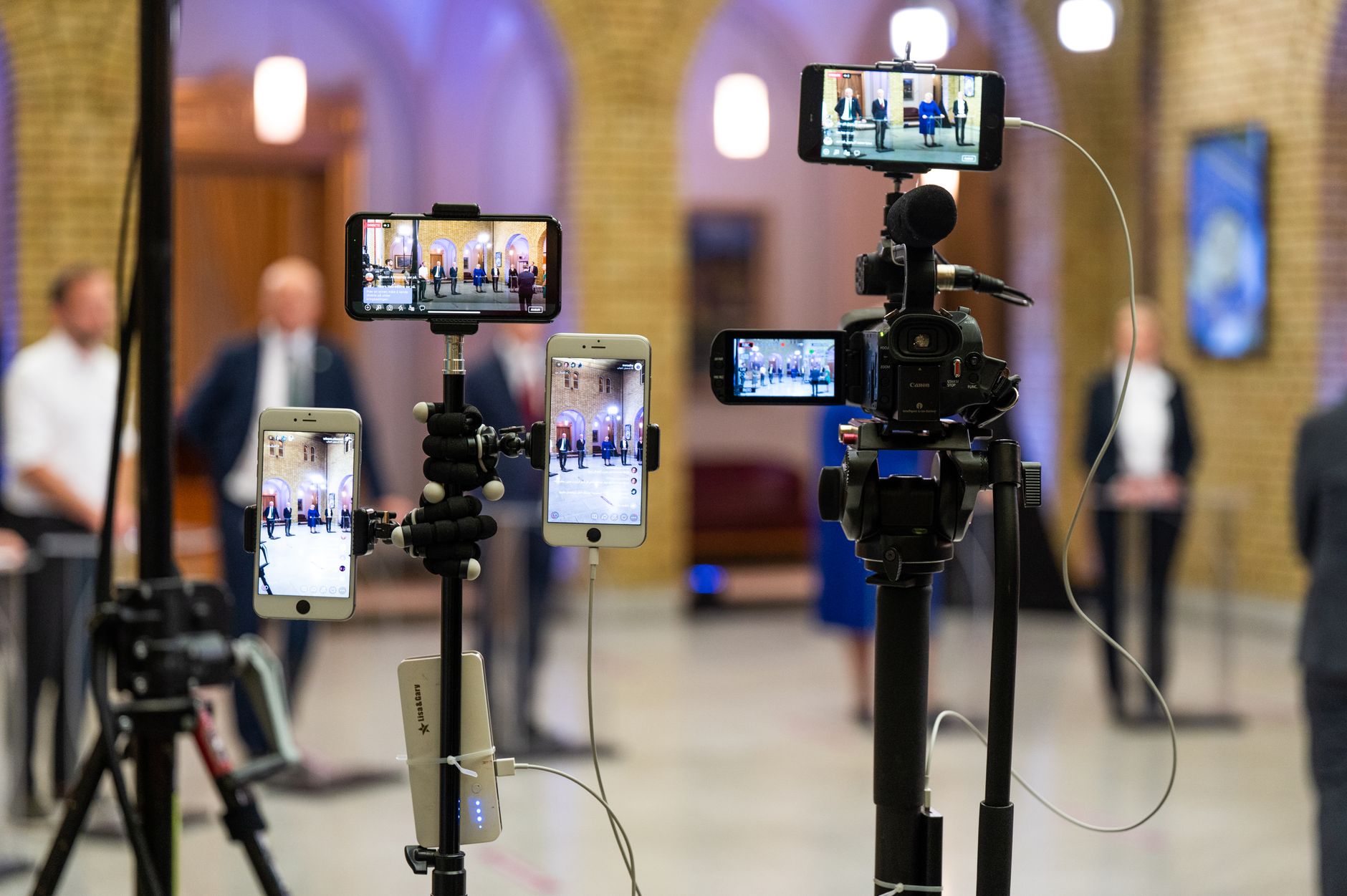
- Shoot: record the face on an iPhone with Live Link Face and the body on whatever cameras you have, using a shared sync cue.
- Upload: send us the raw footage and capture data.
- We process: solve the body, run the face through MetaHuman Animator, clean both, hand-key hands and any subtle face beats.
- We retarget: map everything onto your MetaHuman or chosen skeleton.
- Deliver: engine-ready files plus a review pass so you can see it in motion before sign-off.
Where this pipeline shines
- Indie film: get a credible digital-human performance without a mocap stage or a VFX budget.
- Previs: block scenes with real face and body timing fast and cheaply, then upgrade the takes that make the cut.
- Virtual production: populate LED-volume or real-time scenes with MetaHumans driven by actual performances, captured remotely.
- Game cinematics: dialogue and story beats with synced face and body, retargeted straight into your engine characters.
The honest limit: markerless body capture and even MetaHuman Animator are excellent, not magic. Fine fingers and the most subtle facial moments still benefit from hand-keying. Everything else — gross body motion, locomotion, and the bulk of the facial performance — comes straight from the capture.
Frequently asked questions
Is MetaHuman Animator good enough for production?
Yes. MetaHuman Animator is free with Unreal Engine and produces production-ready facial animation from iPhone ARKit footage, including lip sync, brow, eyes, and micro-expression. It is used for cinematic and virtual-production work. Only the most subtle facial beats occasionally need hand-keying on top.
Do I need special hardware to capture a face for MetaHuman?
You need a recent iPhone with a TrueDepth front camera and the free Live Link Face app. That records the ARKit facial data and a synced video reference, which MetaHuman Animator then solves into animation. No facial markers, helmet camera, or studio rig are required.
How do you combine separately captured face and body?
Both takes use a shared sync cue, such as a clap or countdown, at the start. We solve and clean the body, solve the face through MetaHuman Animator, then align both to that cue and combine them on the same MetaHuman so the body motion and facial performance read as one continuous performance.
Can this whole pipeline be done remotely?
Yes. You shoot the face on an iPhone and the body on ordinary cameras at your location, upload the footage to us, and we solve, clean, hand-key the hands and subtle face work, and retarget onto your MetaHuman or chosen skeleton. We deliver engine-ready files with a review pass, with no one needing to be in the same room.
A believable digital human no longer requires a stage or a six-figure budget — just an iPhone, some video, and a pipeline that knows how to clean and retarget it. Send us a sample take and tell us your target character, and we will show you what comes back. Get a free quote.


