The Real Problem With Phone Menu Photos
Most restaurant owners know their food looks better in the kitchen than it does in their online menu. The gap is almost never the food itself. It is the lighting, the angle, the styling, and the fact that the photo was taken between the lunch rush and the dinner prep with whatever light was coming through the window.
A phone camera in a restaurant kitchen is working against everything that makes food look good. Overhead fluorescent or LED fixtures create flat, greenish light. Hot food steams in ways that turn into blur. Plates that look generous in person look small from the wrong angle. None of that is fixable in editing after the fact.
Lighting Is the Whole Job
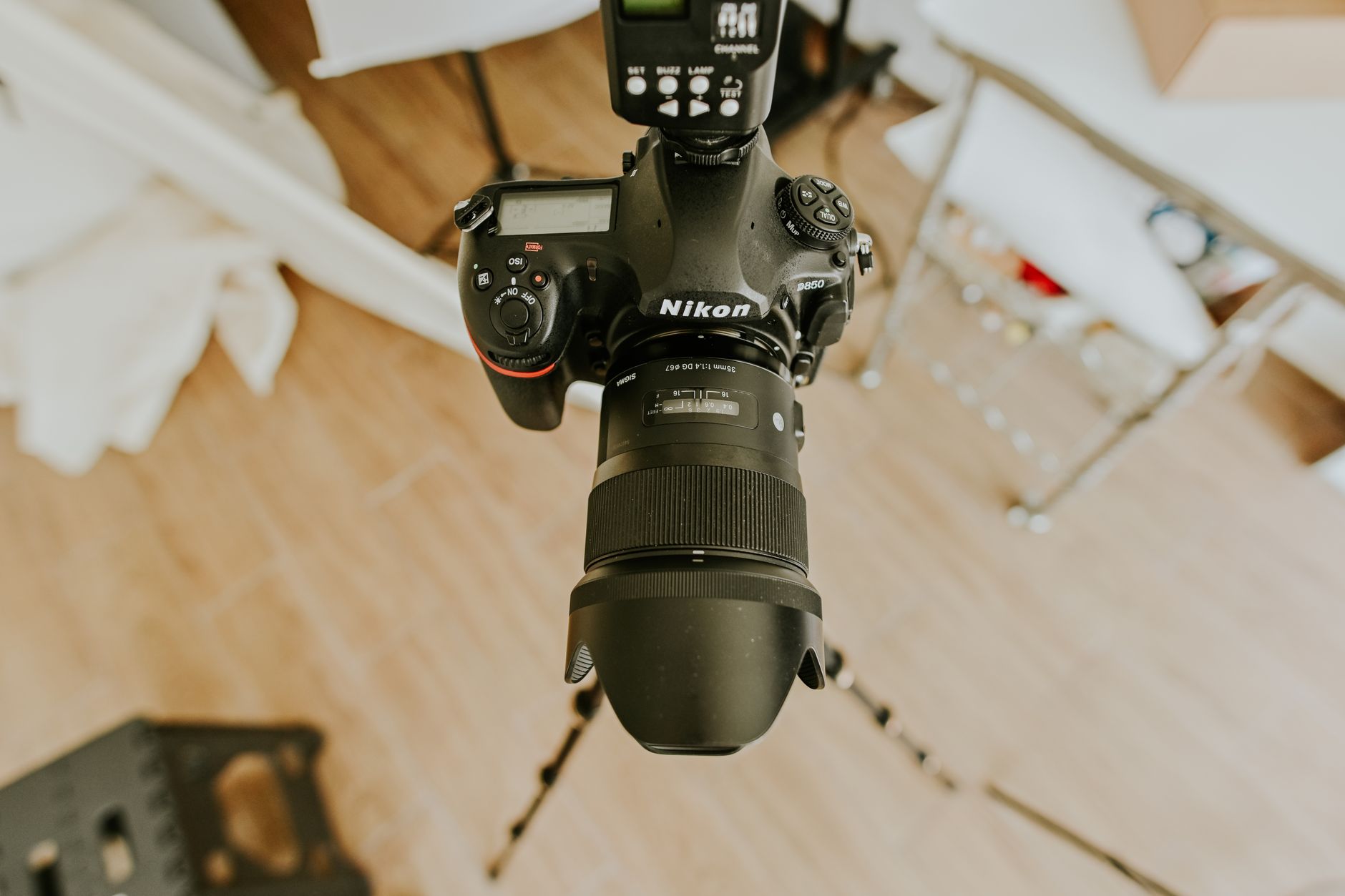
Good food photography is almost entirely a lighting problem. The goal is controlled, directional light that separates the food from the background, shows texture, and makes colour accurate. That usually means off-camera flash or continuous LED panels with diffusion, not the ambient light in your dining room.
Natural light through a window can work in the right space at the right time of day, but it is not reliable and it does not scale to a full menu shoot. For a menu of twenty to thirty items, you need consistent lighting across every shot so the photos look like they belong together on the same page. That requires a controlled setup that moves with the photographer, not whatever happens to be coming through the east window at 10 AM.
Social Content vs. Print and Web Menu Photography
These are different products with different requirements. Social content — Instagram posts, Facebook updates, Stories — rewards spontaneity and volume. A decent phone shot of a daily special posted immediately has value. That is not what a menu shoot is for.
Menu photography needs to be technically clean enough to hold up at full size on a screen or in print. It needs consistent colour balance so a burger and a salad photographed on different days still look like they came from the same menu. It needs to show what the portion actually looks like so customers are not disappointed when the plate arrives. A well-lit, accurately styled menu photo is a sales tool. A rushed phone shot is just documentation.
What to Prepare Before a Shoot
The prep work is mostly on the restaurant side. Here is what makes a shoot run efficiently:
- Have the food ready to plate on demand. The photographer sets up lighting and composition with a stand-in plate, then the real dish comes out of the kitchen and goes straight to camera. Hot food looks better than food that has been sitting.
- Know your hero items. Prioritize the dishes that drive the most orders or the ones you want to push. A full menu shoot for thirty items takes a full day. If you have a smaller budget, pick the twelve dishes that matter most.
- Have clean props available. That means spare plates, linens, cutlery, and any brand-relevant items — a branded glass, a sauce in a small dish, a relevant garnish. The photographer can work with what is on hand, but having options matters.
- Clean the plates. Drips and smears on the rim of a plate that look minor in a busy kitchen show up immediately under proper lighting.
Turnaround and Deliverables
A standard food photography shoot for a Regina restaurant — one full day, twenty to thirty dishes — delivers edited images within five to seven business days. You receive high-resolution files suitable for print and web use. If you need social-format crops or specific size outputs for a menu design template, those can be included.
Pricing varies depending on the number of dishes, whether styling assistance is needed, and whether the shoot happens in your space or a controlled studio setup. For most independent Regina restaurants, the investment pays back quickly — better photos on a delivery app or updated website menu visibly affect order volume.
If your menu photos are not doing the job, contact Sinfull Studios to talk about what a proper shoot looks like for your operation.
Related reading from Sinfull Studios
- Commercial Photography for Small Businesses in Regina
- Why Regina Restaurants Need Better Food Photography
- Music Video Production in Regina: What It Takes to Shoot One Locally
- Photography and Video in Regina
Based in Regina, Saskatchewan. Explore Photography and Video or request a quote from Sinfull Studios.